Classes and sections
Set up classes and sections for each session, with capacity, and see what is active.
Class, guardians, admission number, transport and documents live in one profile. Siblings are linked once the school verifies them, so a family is one family on every screen.
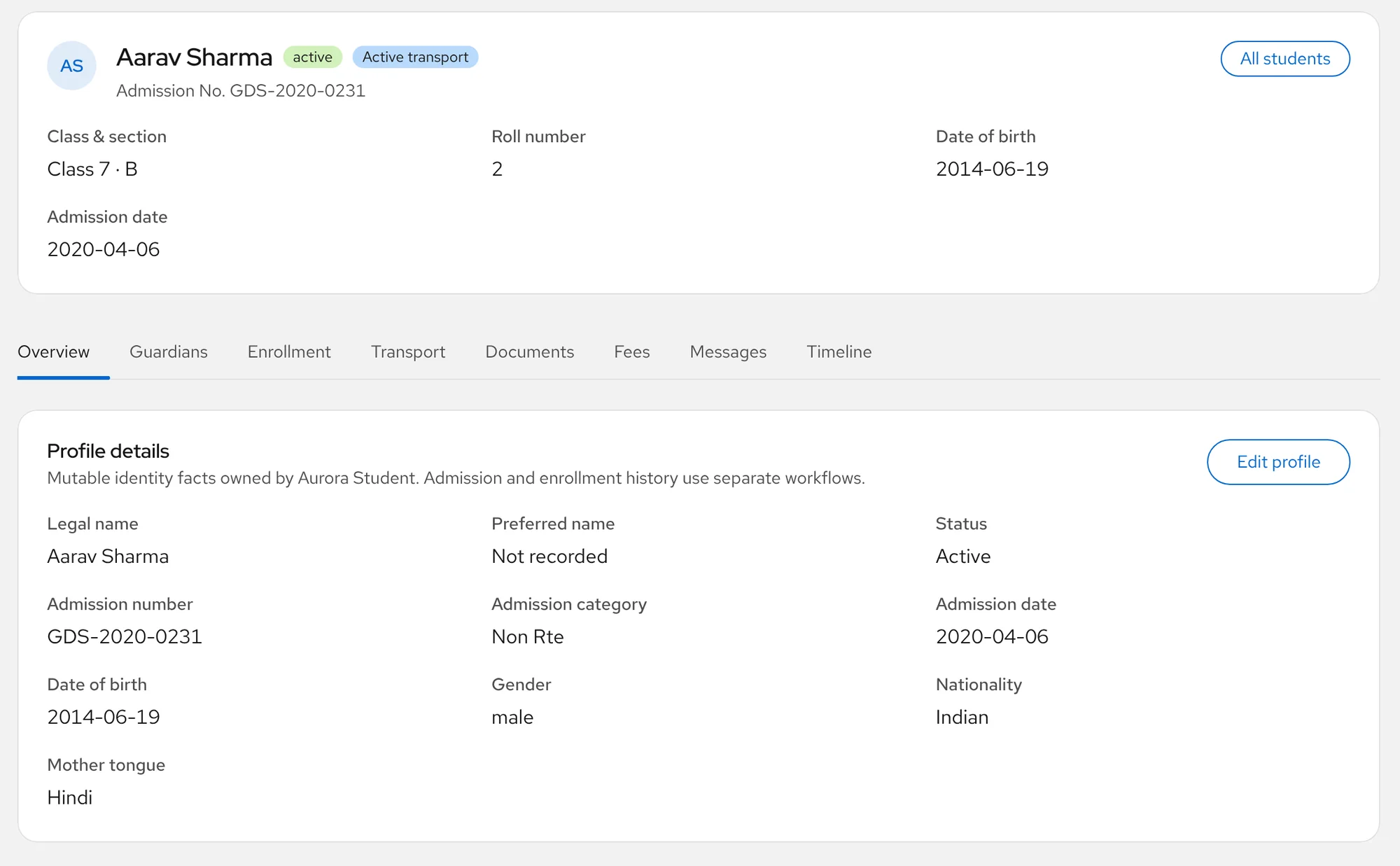
The profile
Open a student and the office has what it needs: who the child is, where they are placed this session, who to call, how they travel to school and which documents are on file.
Find anyone
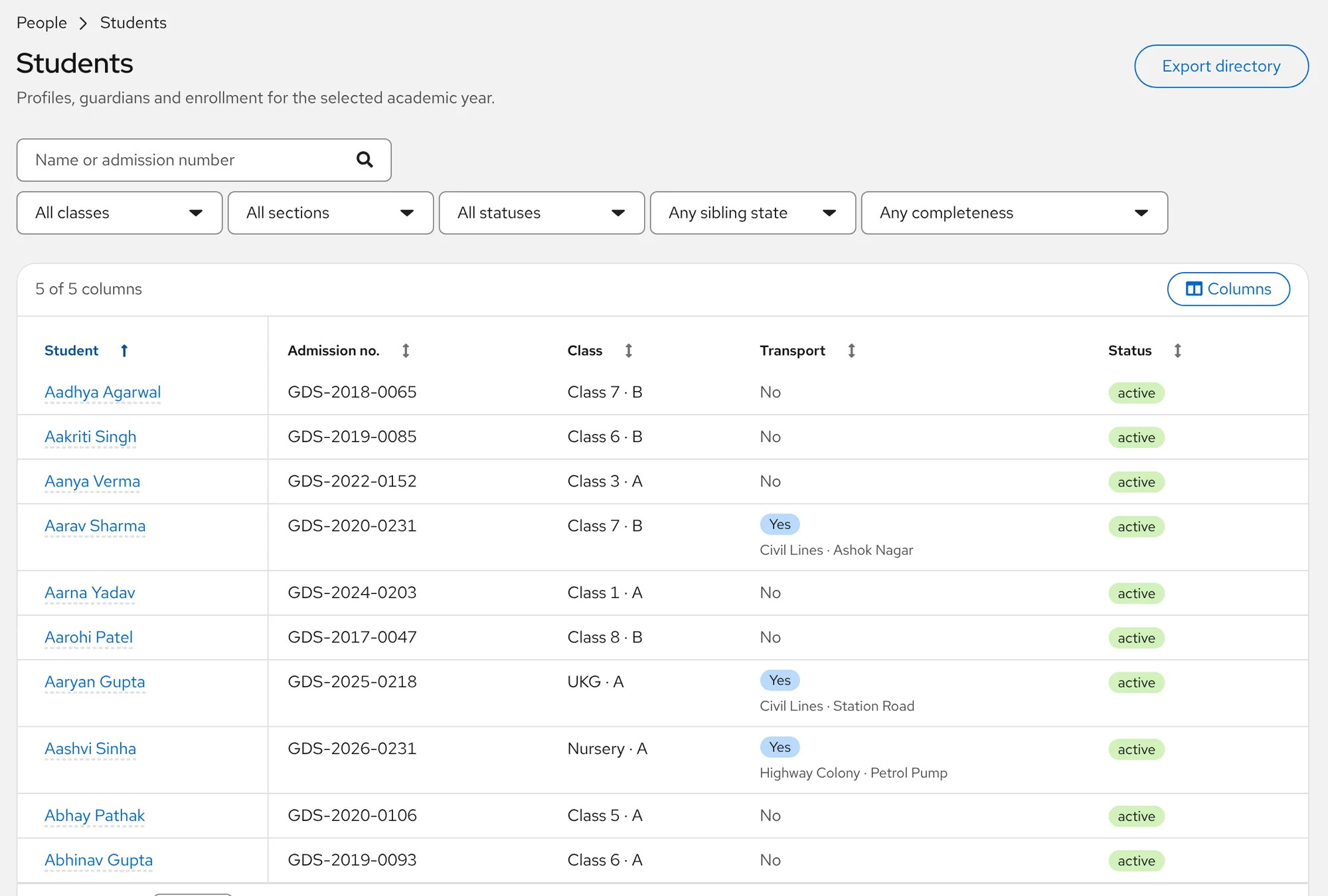
The student directory lists everyone on roll. Search by name or admission number, filter by class, section, status or sibling state, and press Ctrl or Cmd + K from any screen to jump straight to a student.
Families
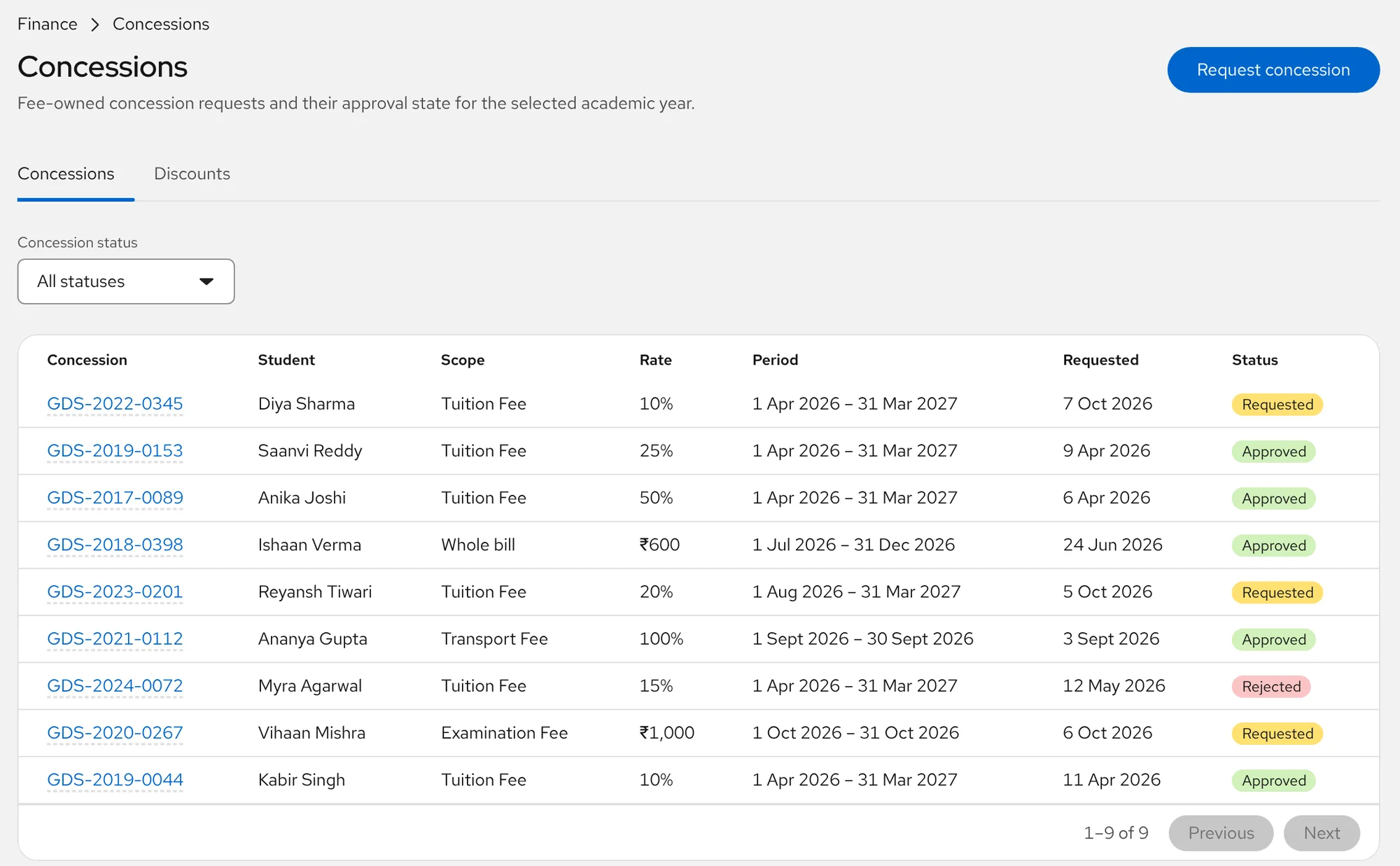
The most common mistake in school records is linking children by surname or phone number. Aurora never does. Siblings are linked only when the school verifies the family, and then a family concession applies once across every child.
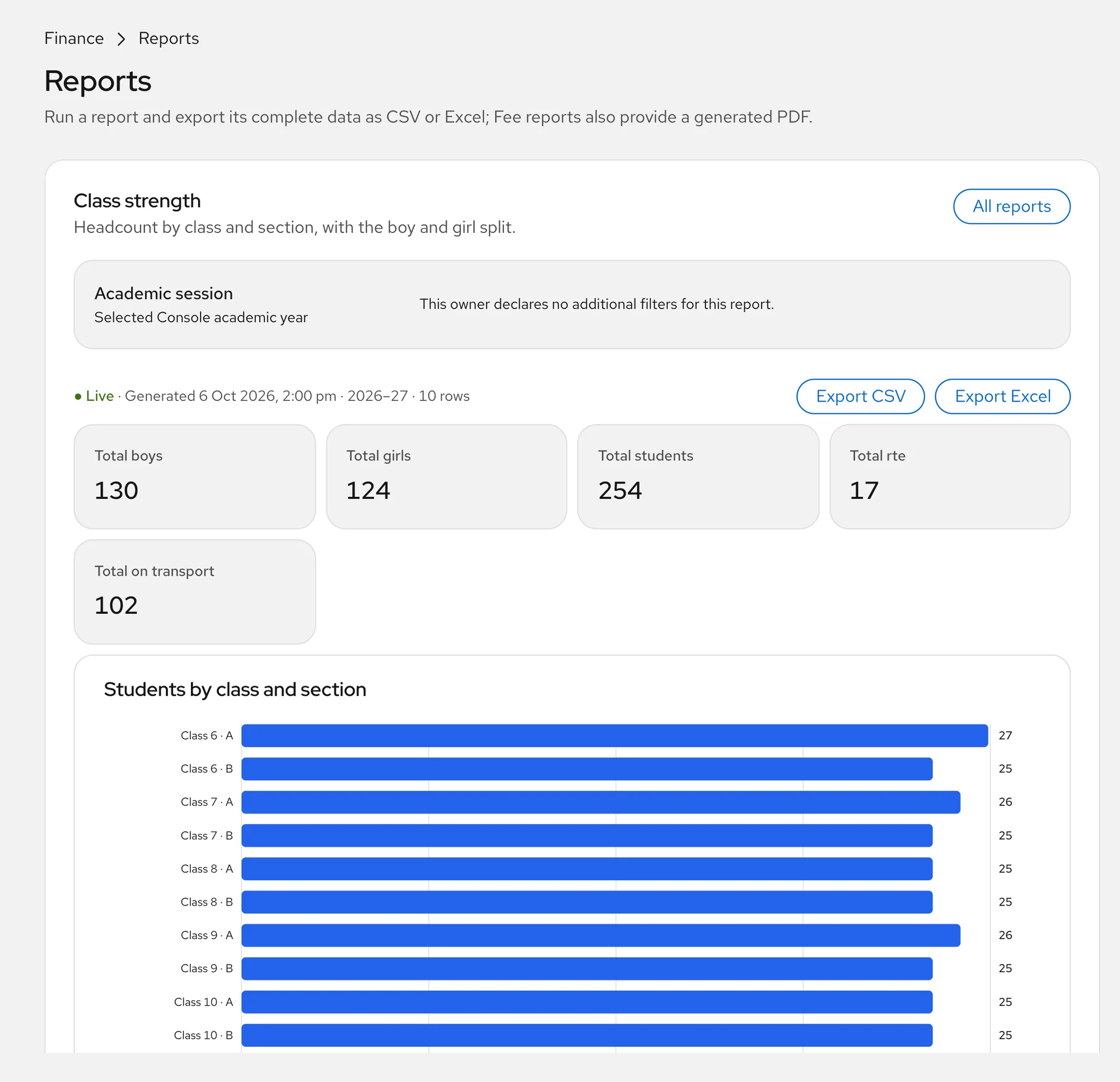
Class strength
The class strength report gives headcount by class and section with boys and girls, plus how many students are on the quota and on transport. It is a chart and a table, ready to download.
Set up classes and sections for each session, with capacity, and see what is active.
Keep each student's documents with the student, not in a cupboard.
Year rollover copies classes, fees and fares forward from a saved plan. Built, rolling out; first real use March 2027.
Questions
Identity, class and section for each session, guardians and their roles, admission details, transport assignments, documents and a timeline of changes.
Not today. Aurora is used by the school office: administrators, principals and accountants. Teacher and parent screens are not part of the Console yet.
Enrollment is dated, so a student's class and section are true for each academic year and past sessions stay readable. We plan the move with you so earlier years are not thrown away.
Yes. The student directory and other student reports download as Excel, CSV or PDF.
Only when the school verifies the family. Names and phone numbers never create a family on their own.
See how Aurora can fit your existing school workflow. Book a free demo and we will show it with your own fee heads, classes and questions.