
Approval first
An assistant never sends a message to a parent or changes a record on its own. Your office approves each action.
Aurora is built so your school's records can answer questions and prepare routine work, such as a fee follow-up or a report, and then stop and wait for a person to approve it. Here is what that means, and which parts exist today.
Report library and approvals: in use today Assistants: rolling out next
Rolling out next
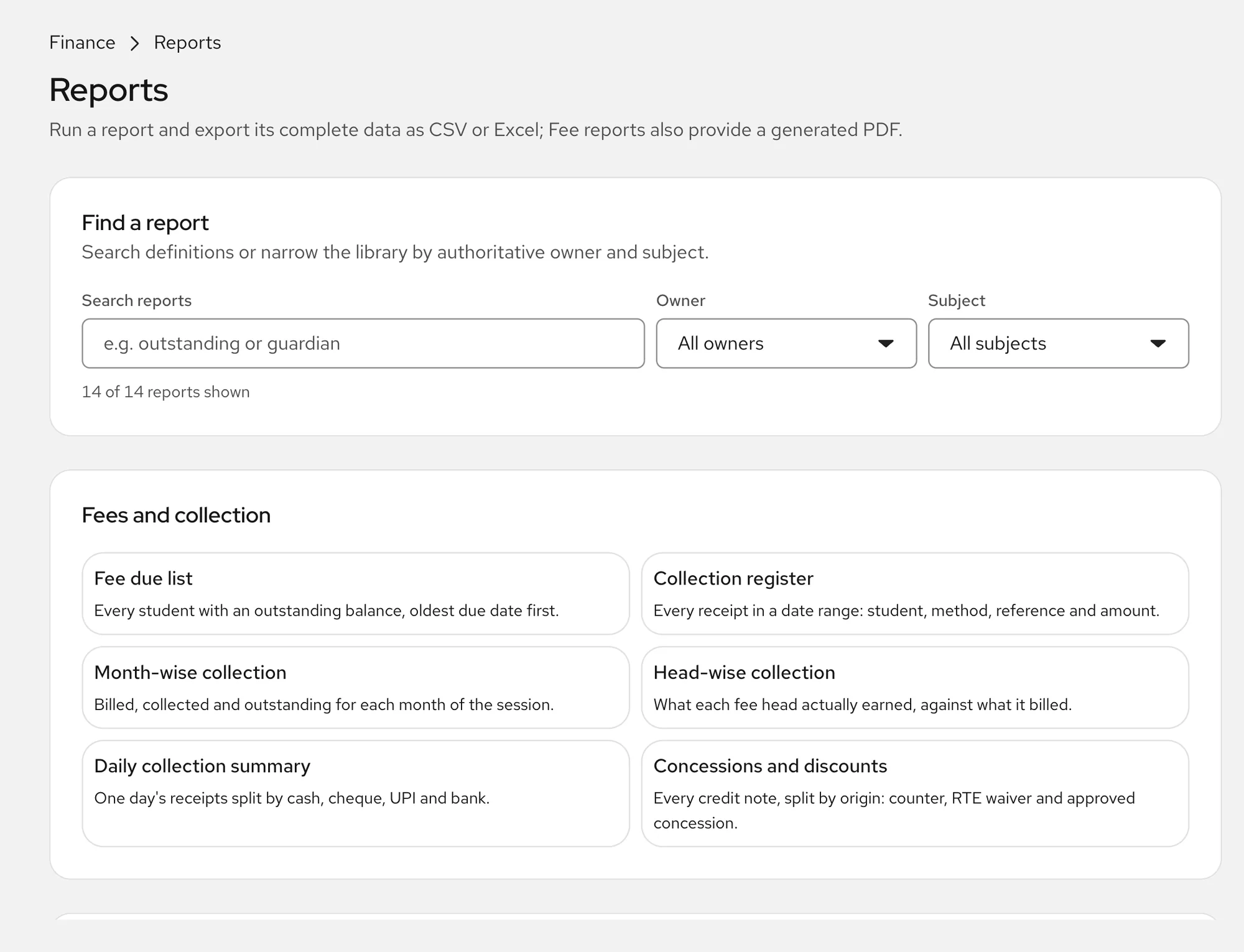
Traditional school software makes you find the right module, choose filters and generate a report. Aurora is being built so you can ask the question. Today, every answer is one click away in the report library.
The assistants are not built yet. What is in use is the library below, the approvals, the task feed and the audit trail.
Getting work done
Say you ask: Prepare the monthly fee due report. This is how an assistant is designed to handle it.
In plain words, the way you would ask your accountant.
It looks at invoices, receipts and dues in the school's own ledger.
The totals, the class-wise list and the report, ready to read.
Nothing is sent or changed until you say so. The approval is recorded.
An assistant never sends a message to a parent or changes a record on its own. Your office approves each action.
Each suggestion says what it looked at and why it is asking, so approving is a decision and not a guess.
Who approved what, and when, is recorded against the record, so a question months later has an answer.
Today
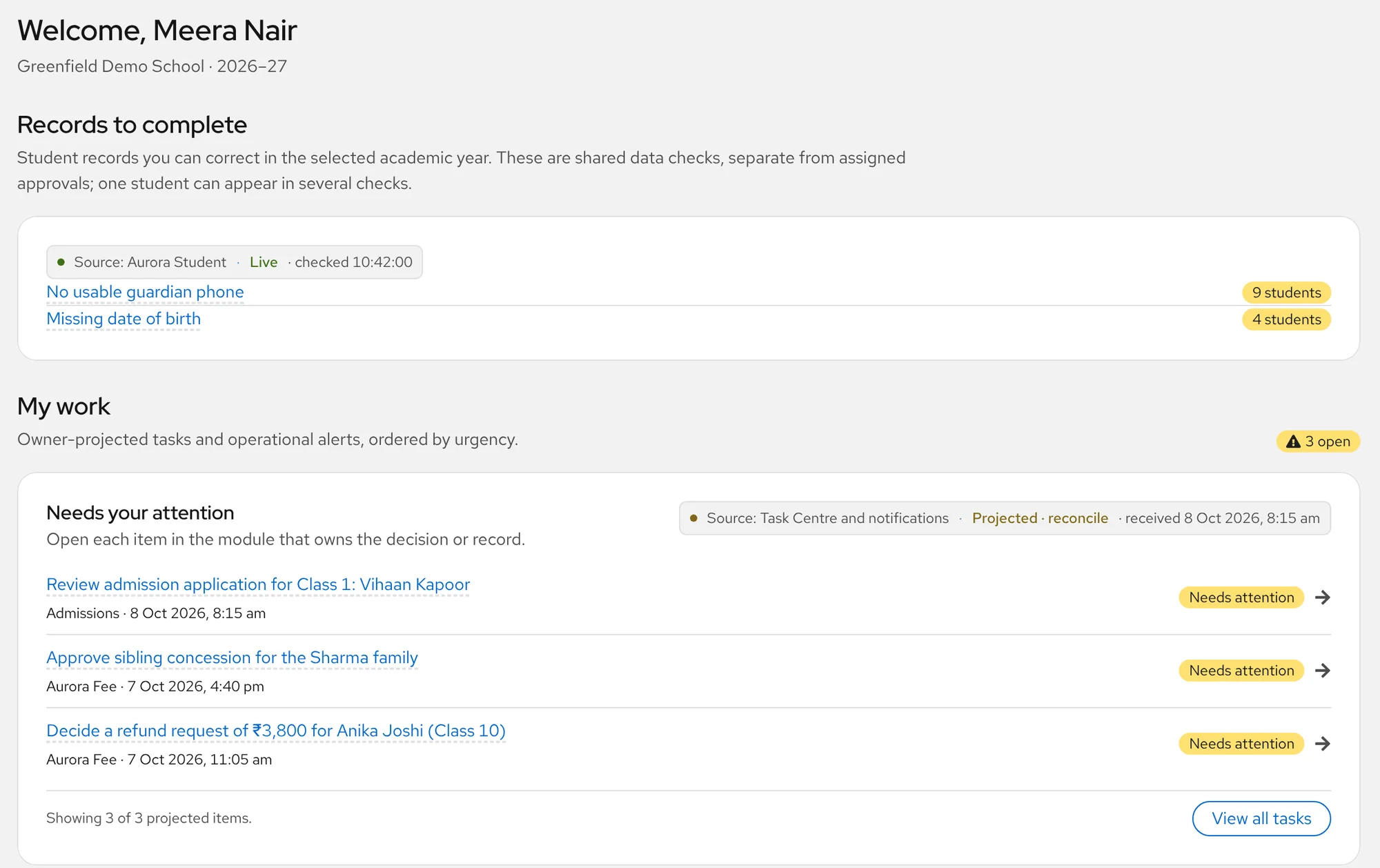
An assistant is only as trustworthy as the records it reads and the approval trail around it. That is why the ledger, the family records, the task feed and the audit trail come first, and they are in use today.
We label every piece so a demo never turns into a surprise.
| Piece | Status |
|---|---|
| Aurora Console: fees, students and families, admissions, transport, reports, access | In use today |
| Approvals, a task feed and an audit trail that assistants build on | In use today |
| AI assistants that prepare work for your approval | Rolling out next |
| Parent messages on WhatsApp and SMS, sent after approval | Next |
"Agentic" describes software that does more than answer a question. It looks at the school's own records, works out the next step of a routine task and prepares it, for example a draft reminder to the families whose October fees are unpaid.
In a school the useful version has one extra rule: the assistant prepares, a person approves. Fee waivers, parent messages and admission replies affect real families, so nothing should leave the office or change a record until a principal, accountant or admissions head says yes.
Short version: a chatbot answers, an automation acts on a rule, and an agentic assistant prepares multi-step work and hands it to you, with its reasons and a record.
| Compared on | Chatbot | Rule-based automation | AI assistant that prepares work |
|---|---|---|---|
| What it does | Answers questions in a window | Runs a fixed rule when a condition is met | Looks at records, plans a multi-step task, prepares it |
| Who decides | You, after reading the answer | The rule, without asking | You, on a prepared proposal |
| Record of what happened | Usually none | A log, if someone built one | Who approved what, and when |
Questions
Aurora has the foundations today: approvals, a task feed, an audit trail and a report library. AI assistants that prepare work for approval are rolling out next.
Not today, and never on its own. The approval screens for parent messages on WhatsApp and SMS are built, but sending is not switched on, and nothing will go out unless your office approves it.
Not yet. The report library answers questions that map to reports Aurora already has, such as dues, collections, class strength, guardian gaps and transport.
See how Aurora can fit your existing school workflow. Book a free demo and we will show it with your own fee heads, classes and questions.